Variate
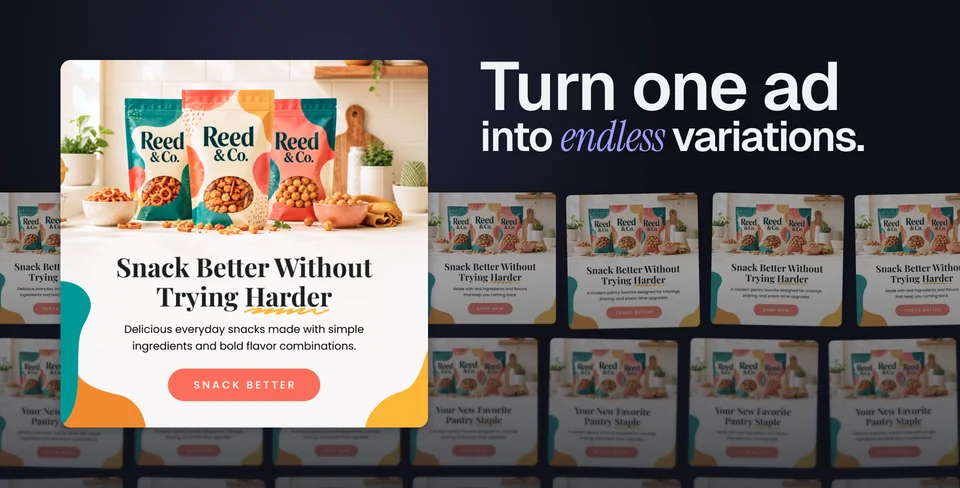
One design. More possibilities.
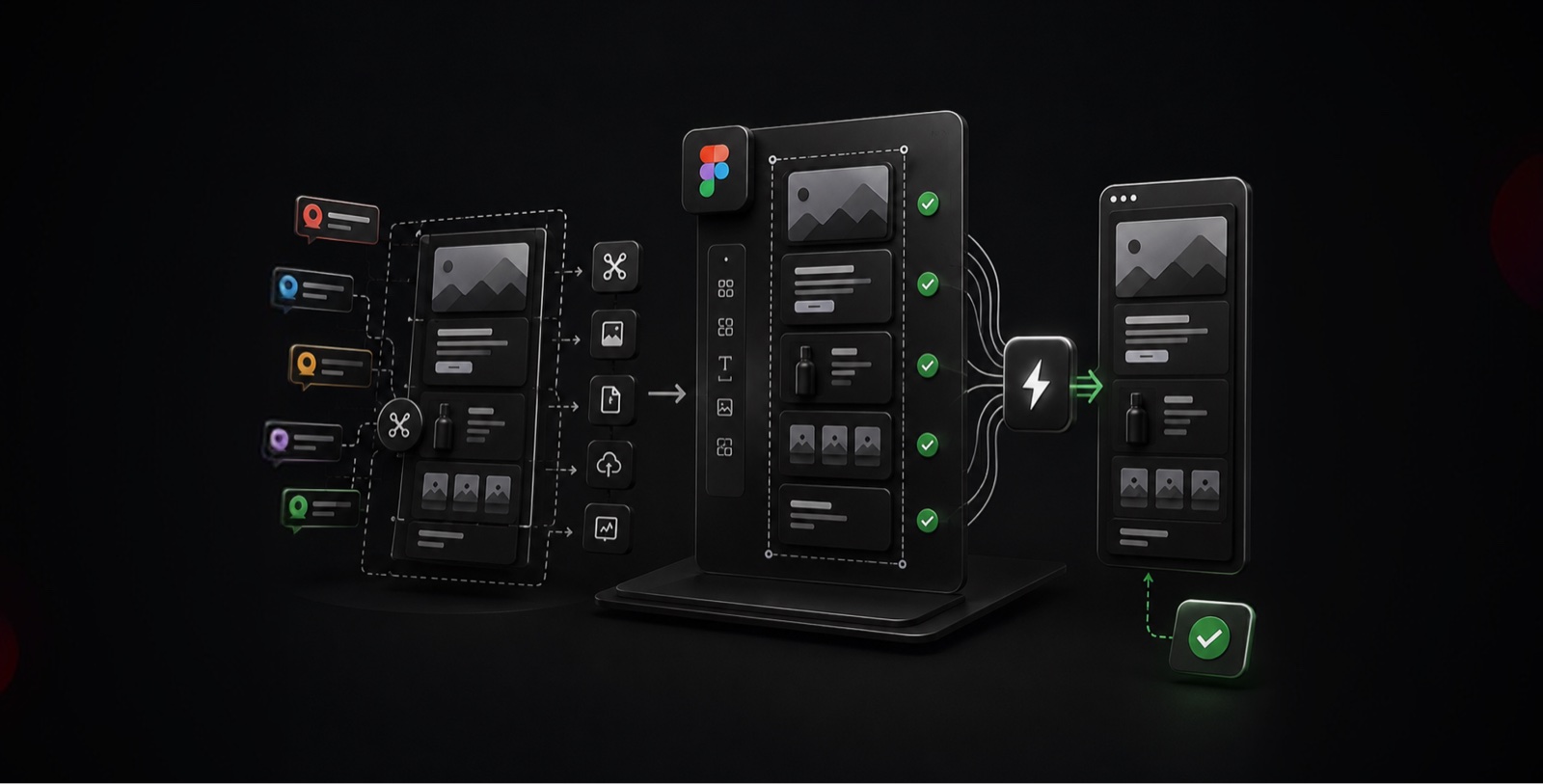
I created Variate, a Figma plugin that turns structured copy into design variations. I owned the concept, UX, and code, then built the landing page and made a promo video to introduce it.
- My role
- Product concept, UX, code, landing page, and promo video
- Context
- Figma plugin · Creative tooling
Start with the repetitive work
Campaign teams need multiple headlines, subheads, and calls to action. Repeatedly duplicating frames and replacing text creates production work around the design itself. Variate brings those inputs into the design workflow.

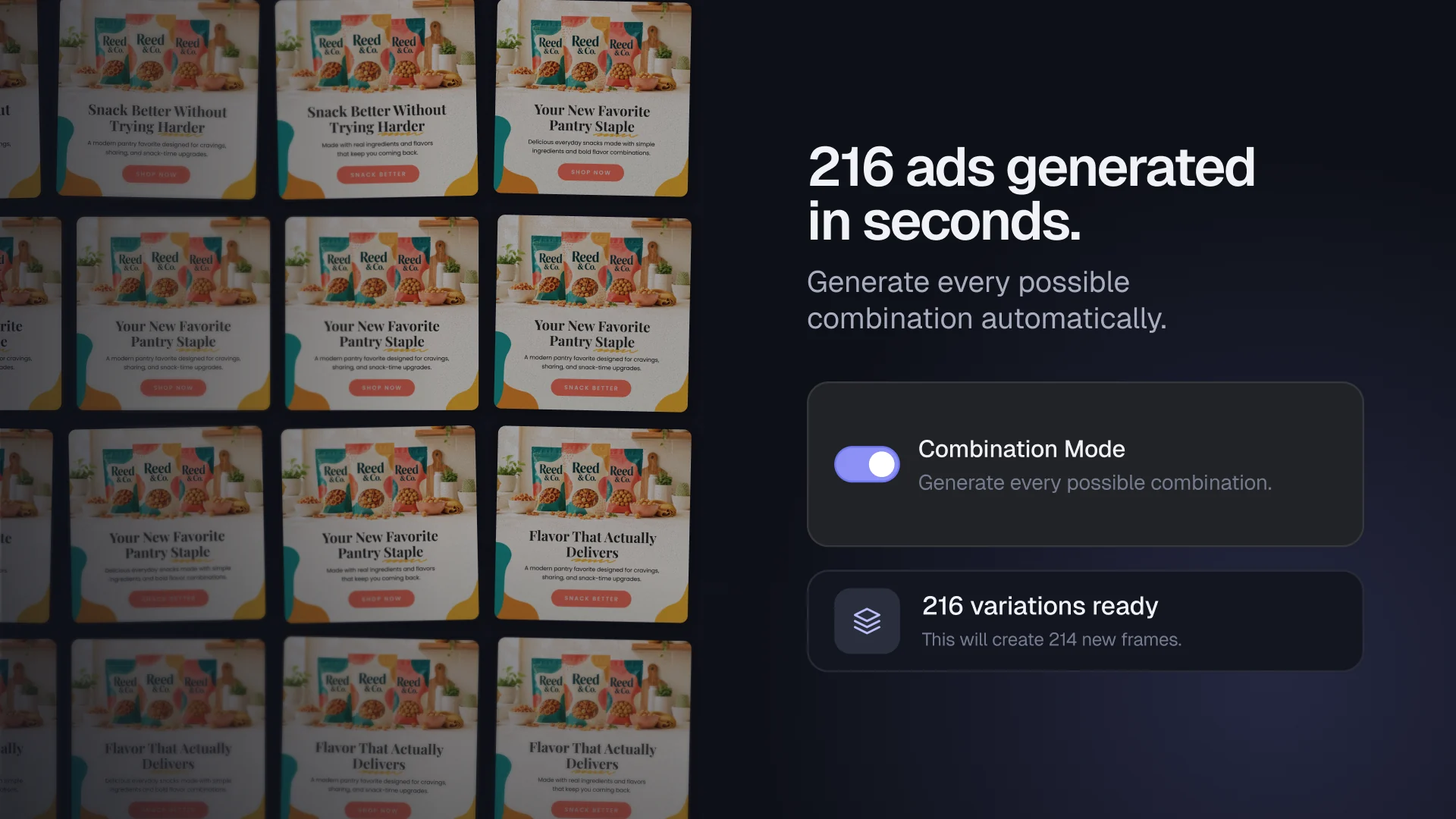
Make the combinations visible
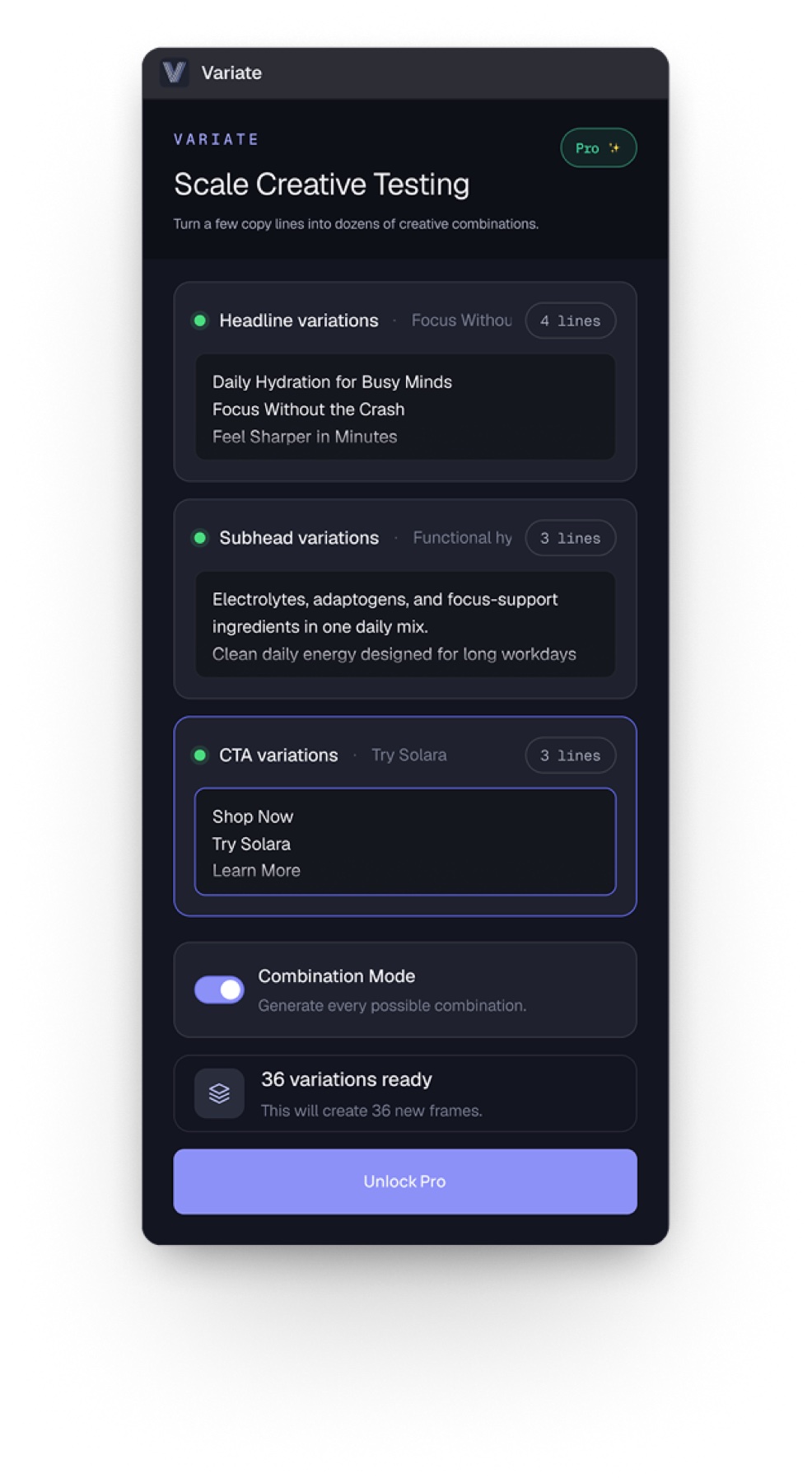
The combination interface lets a designer work with selected copy fields and inspect the resulting creative grid. The original template provides the visual structure for the variations.
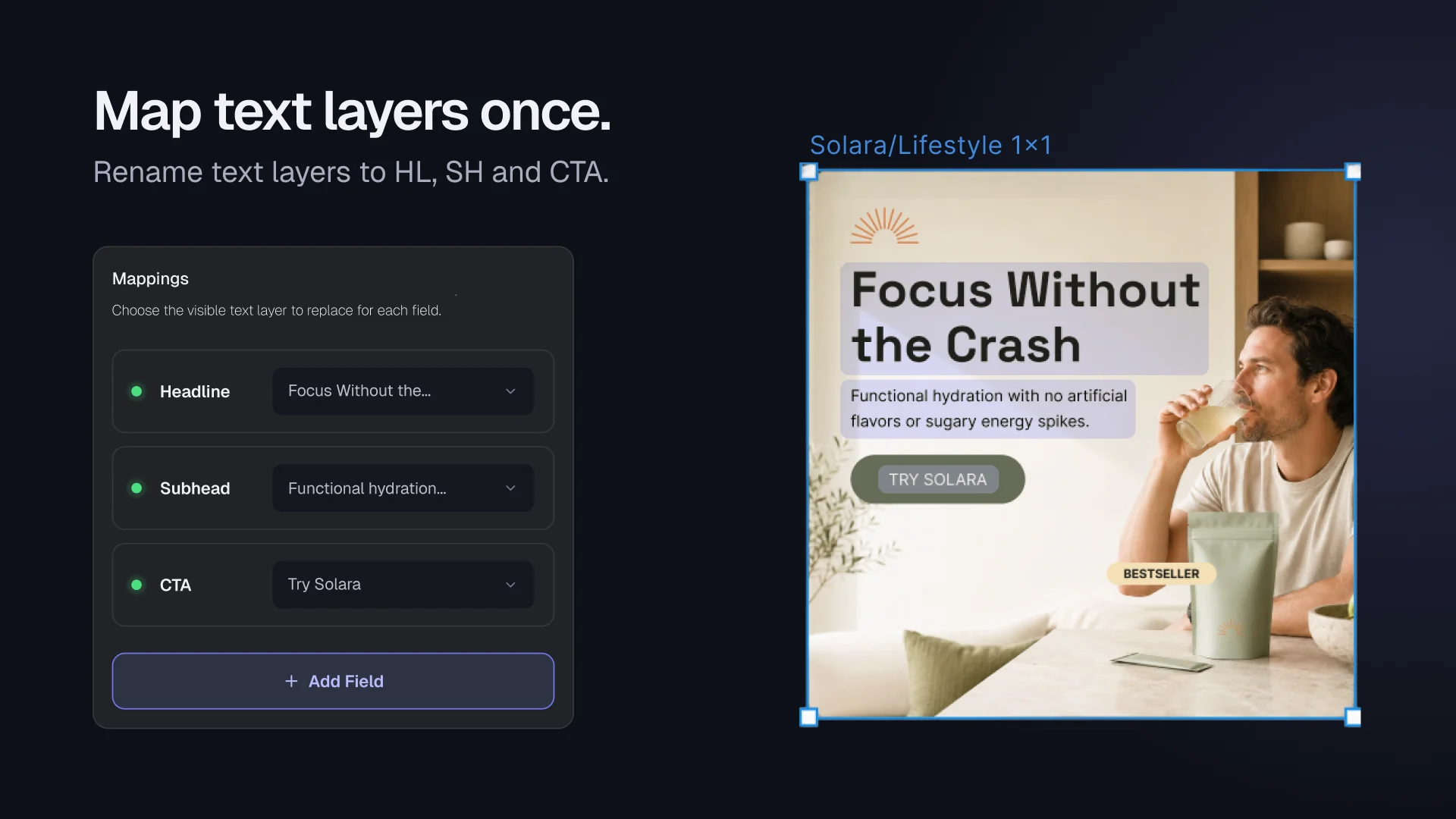
Map copy to the right layers
Headlines, subheads, and calls to action connect to the matching text layers. Custom fields extend the mapping for templates with different content needs.
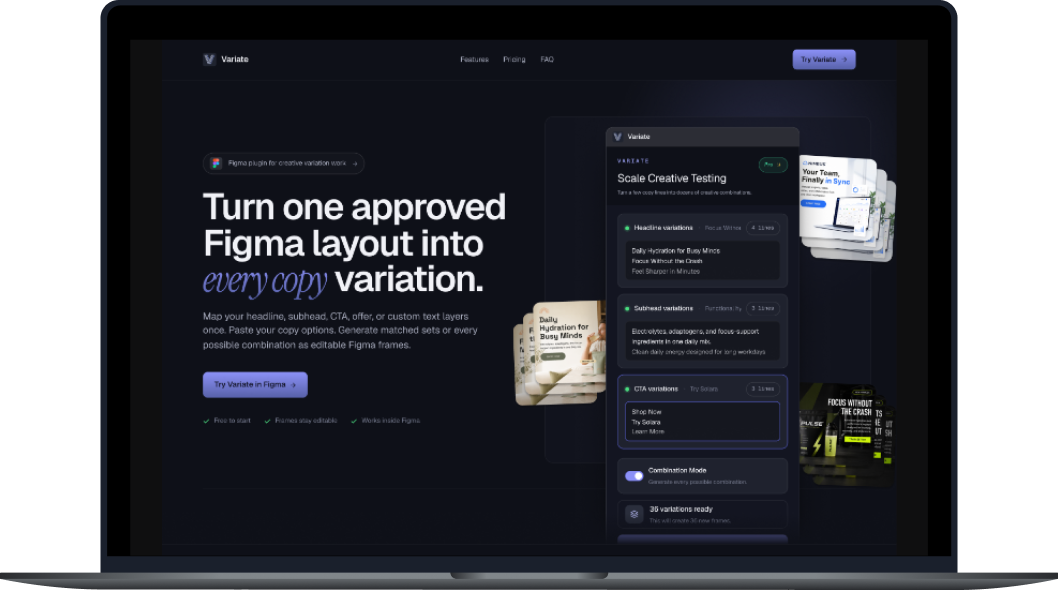
Build the landing page and launch story
I designed and built the landing page, then created the promo video and launch visuals to show how Variate works. The page connects the product’s core idea with its features and a clear path to trying it in Figma.
Design the plugin interface
The plugin interface brings copy inputs, layer mapping, and combination controls into one workflow inside Figma.
Credits
Product concept, UX, code, landing page, promo video, and launch assets: Mauro Hernandez. Third-party source content and tools retain their respective ownership.
KEEP EXPLORING